Posts in Workflow

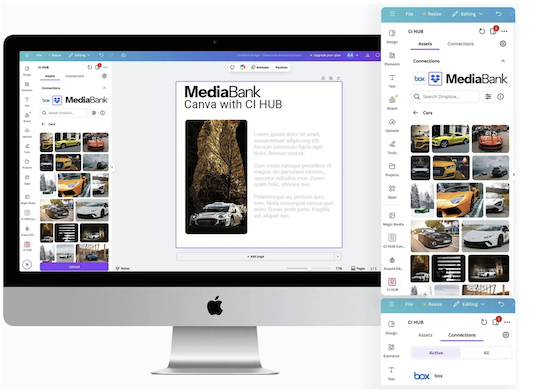
Integrating Canva with MediaBank is the perfect fit for creatives.

Friday, January 2, 2026

​​​​​​​

Browsing in Canva Made Easy

Browse and access your DAM MediaBank - all within Canva, all at the same time in one plugin. Give your team instant access to all your creative content and assets. With the CI-HUB Canva integration, you can effortlessly access your MediaBank assets directly from your favorite application. Search, edit, and save your assets back to MediaBank , all within the tool you already use.
Transform your workflow: Empower your team with MediaBank's accessible content

Wednesday, December 10, 2025

arguments for managing mediafiles

MediaBank platform is all about helping organizations access and distribute the right content at the right moment. Users can quickly find what they’re looking for, while admins get powerful insights and data on usage, trends, and needs so everyone can maximize their assets and make a bigger impact.

Lets look into arguments aimed at marketing and IT:

Building a MediaBank that works for everyone requires folders, categories, albums and keywords

Wednesday, January 22, 2025

When it comes to media banks or digitala asset management, it’s interesting to see how every media library is truly different. DAM structure and taxonomy create a media library that is tailored to its users. Every library needs structure in order for its users to properly understand how to use it.


Structure is everything

Without clear, logical organization, teams can waste countless hours searching for files, recreating assets, or accidentally using outdated versions. A well-structured media bank leverages folders, categories, albums, and keywords—each playing a unique role:

How to create and bring into being a functional image archive in a media bank

Monday, September 2, 2024


This is a Workflow Guide for building a Digital Image Archive in a media bank (Digital Asset Managment)

If your images are scattered across different devices and cloud services, it can be challenging to keep them organized. Start by gathering all your images in a central location, such as a media bank (DAM). This makes it easy to organize, find, and share images, ensuring everything is manageable from one place.

When building a digital image archive in a media bank, it’s important to follow a systematic workflow to make the images easy to find and use across the entire organization. A good media bank is one that is actively used and functions as your smart media room. Below is a step-by-step guide to help you effectively organize and describe your images.

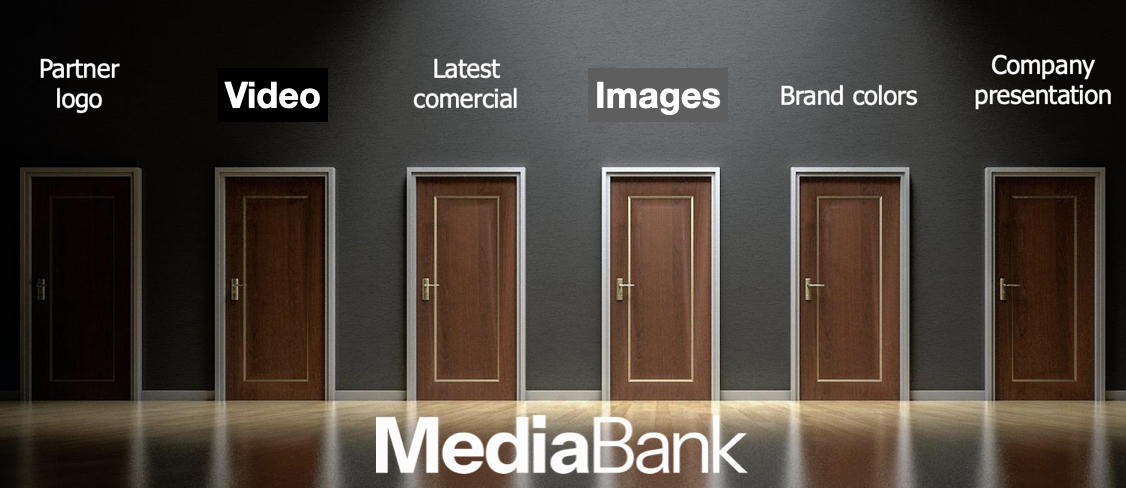
Corporate videos are best managed in DAM media banks

Sunday, May 5, 2024

Managing Video Content in DAM

With marketers creating at least one piece of content every day, it's becoming increasingly challenging for organizations to effectively organize and manage their growing libraries. This is especially true for videos as various solutions to manage them emerge, ranging from simple file repositories to enterprise-level digital libraries. Due to their size and complexity, videos are typically more challenging to store, categorize and share than other digital assets.

In the digital landscape, managing video content efficiently is crucial for organizations aiming to leverage multimedia for engagement, education, and marketing. This blog explores how to work more efficiently with videos in MediaBank, detailing its capabilities such as conversion, streaming, clipping, cropping, embedding, and adding subtitles.

1 – 5 / 12